


Plug-in solar
For homes generating their own solar power
Stores surplus energy from compatible solar panels and makes it available for use later.
Use more of your own energy. Waste less.


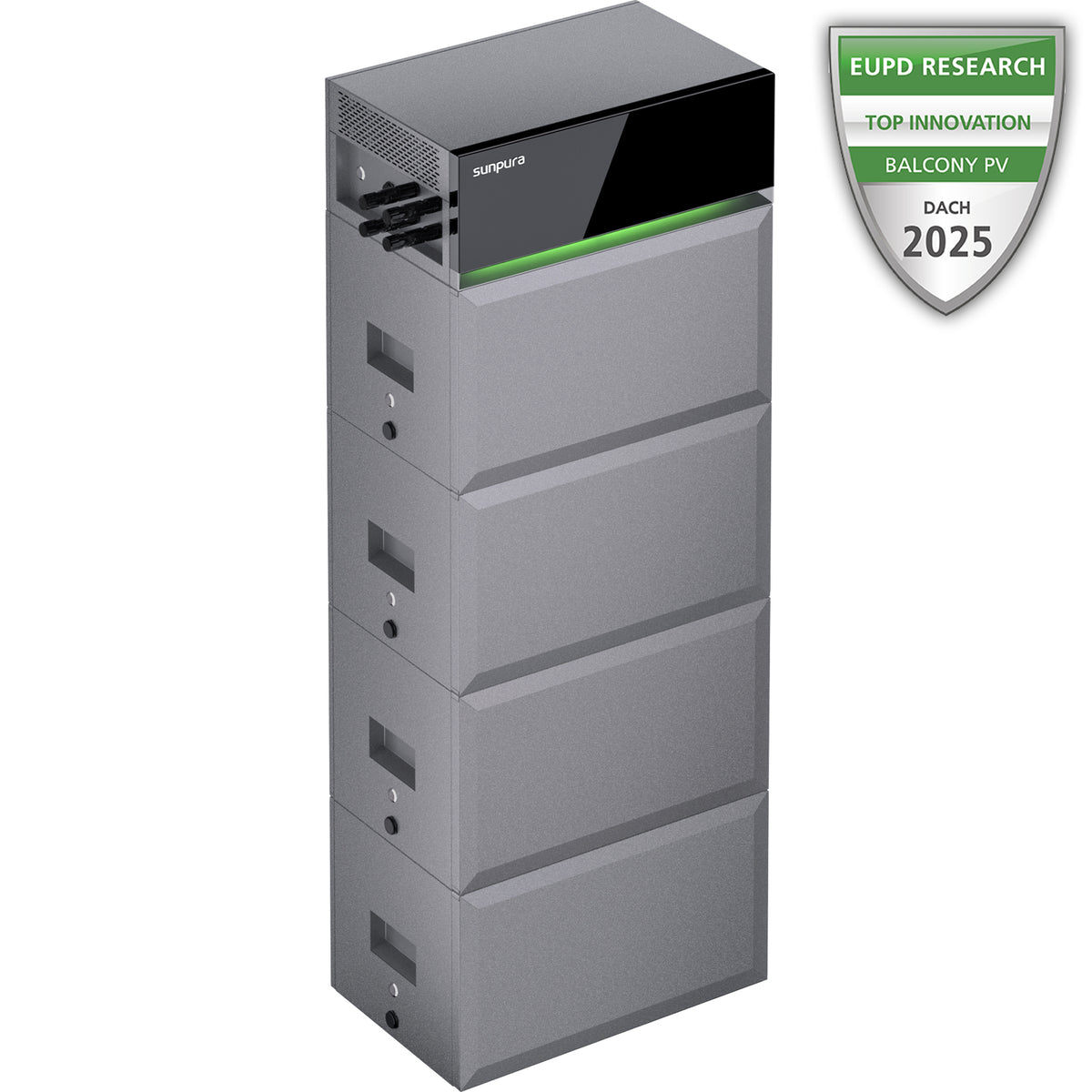
The Sunpura S2400 is a home battery storage system with 2.4kWh base capacity, PV input and smart energy control. It stores surplus solar power so you can use more of your own energy later in the day, in the evening or during higher-price periods.
Without battery storage, some self-generated solar power may be underused. The S2400 helps increase self-consumption by storing solar energy during the day and releasing it when your home needs it. With Smart Meter, Smart Plug and app control, it becomes a flexible smart energy system for everyday use.
The S2400 is built for households that want to make better use of balcony solar panels, small PV systems and smart tariff strategies. Depending on your setup, it can help store surplus generation, reduce unnecessary grid import and support smarter load scheduling.
Actual savings depend on your solar generation, household consumption, electricity tariff, installation conditions and local rules.
UK installation note: Check product compatibility, grid-connection requirements and the required installation method for your property before purchase. Do not connect the battery to a household socket unless the UK product documentation and installation route explicitly permit it.
Wir liefern Ihre Bestellung innerhalb Deutschlands kostenlos direkt zu Ihnen nach Hause. Die Lieferzeit beträgt in der Regel 3–7 Werktage. Alternativ können Sie Ihre Bestellung kostenlos in unserem Lager in Bochum abholen. Weitere Informationen finden Sie in unseren [Versandbedingungen].
Ihre Zufriedenheit steht bei uns an erster Stelle. Für unbeschädigte Produkte, die innerhalb von 30 Tagen zurückgesendet werden, erstatten wir den Kaufpreis vollständig.
Sobald Ihre Retoure bei uns eingegangen und geprüft wurde, veranlassen wir die Rückerstattung. Weitere Einzelheiten finden Sie in unserem[Widerrufsrecht].
Sunpura steht für Qualität und Langlebigkeit. Unsere Produkte sind durch eine Herstellergarantie abgesichert, damit Sie auch nach dem Kauf auf der sicheren Seite sind.
Die genaue Garantiedauer und die jeweiligen Bedingungen finden Sie auf der Produktseite oder in den Garantieinformationen. Im Garantiefall kontaktieren Sie uns bitte unter contact@sunpuraenergy.com und geben Sie Ihre Bestellnummer an.
Diese Garantie gilt zusätzlich zu Ihren gesetzlichen Gewährleistungsrechten.
Wir sind auch nach dem Kauf für Sie da.
Haben Sie Fragen zur Installation, Einrichtung oder Nutzung Ihrer Sunpura Produkte? Unser Support-Team hilft Ihnen gerne weiter. Schreiben Sie uns an contact@sunpuraenergy.com.




With the Sunpura S2400, you can store surplus solar power, increase self-consumption and use energy when it is most valuable to your home.
The benefit comes not only from storing energy, but from using it more intelligently at the right time.
More of the electricity you generate is used in your own home instead of being exported when it has less value.
Stored energy remains available in the evening, overnight or whenever solar generation is lower.
With compatible time-of-use tariffs and smart devices, energy can be used when it makes the most financial sense.
Use stored solar energy when grid electricity costs more. Increase potential savings by combining the system with a compatible time-of-use tariff. dynamic electricity tariff
Designed for modern households that want to use solar power more intelligently, manage energy costs more actively and reduce reliance on the grid.
Stores surplus energy from compatible solar panels and makes it available for use later.
Suitable when you want to add battery storage to an existing solar installation without rebuilding the entire system.
Make better use of price differences by charging during lower-cost periods and discharging when electricity is more expensive.
Integrates with a smart energy system to support clearer monitoring and more automated energy management.
See at a glance how the S2400 stores solar power and makes it available when you need it.


The S2400 supplies your home with solar power and stores surplus energy for later use.


At night or when solar generation is low, the S2400 releases stored energy to help reduce electricity drawn from the grid.
Solar battery storage should do more than reduce energy costs: it should also remain dependable when it matters. The Sunpura S2400 combines a dedicated backup output, robust protection features and a durable design for everyday use at home.

During a power cut, the Sunpura S2400 can continue to supply selected appliances through its dedicated off-grid output. This helps keep essential devices running when the grid is unavailable.
Supplies selected devices when the grid goes down.
Suitable for lighting, internet equipment and other essential everyday devices.
Solar battery storage with practical backup capability beyond normal grid-connected operation.

Safety
The integrated aerosol fire-suppression feature forms part of the system's layered safety architecture for home use.

Weather resistance
The durable enclosure supports flexible placement and reliable day-to-day operation when installed in accordance with the product requirements.

System protection
The smart BMS and system architecture monitor operation continuously, supporting dependable performance over many charging cycles.
Sunpura analyses electricity prices, solar generation and household demand in real time, then manages energy flows automatically to improve self-consumption, control and potential savings.


View solar generation, consumption, battery charge and electricity prices in one place. The Sunpura app helps you understand energy flows and manage compatible devices more intelligently.
Track how much electricity your solar panels generate, how much your home uses and when the battery charges or discharges.
Charge during cheaper periods and use stored energy when grid electricity costs more.
The system helps your household use more of its own solar power instead of exporting surplus energy unnecessarily.
Connect compatible energy meters and smart appliances for greater everyday automation.

Sunpura HEMS can connect with compatible time-of-use tariffs, energy services, energy meters, smart plugs and smart-home systems for more precise control of solar power, battery storage and grid electricity.
Actual optimisation depends on the system configuration, compatible metering equipment, electricity tariff, consumption profile and local installation.


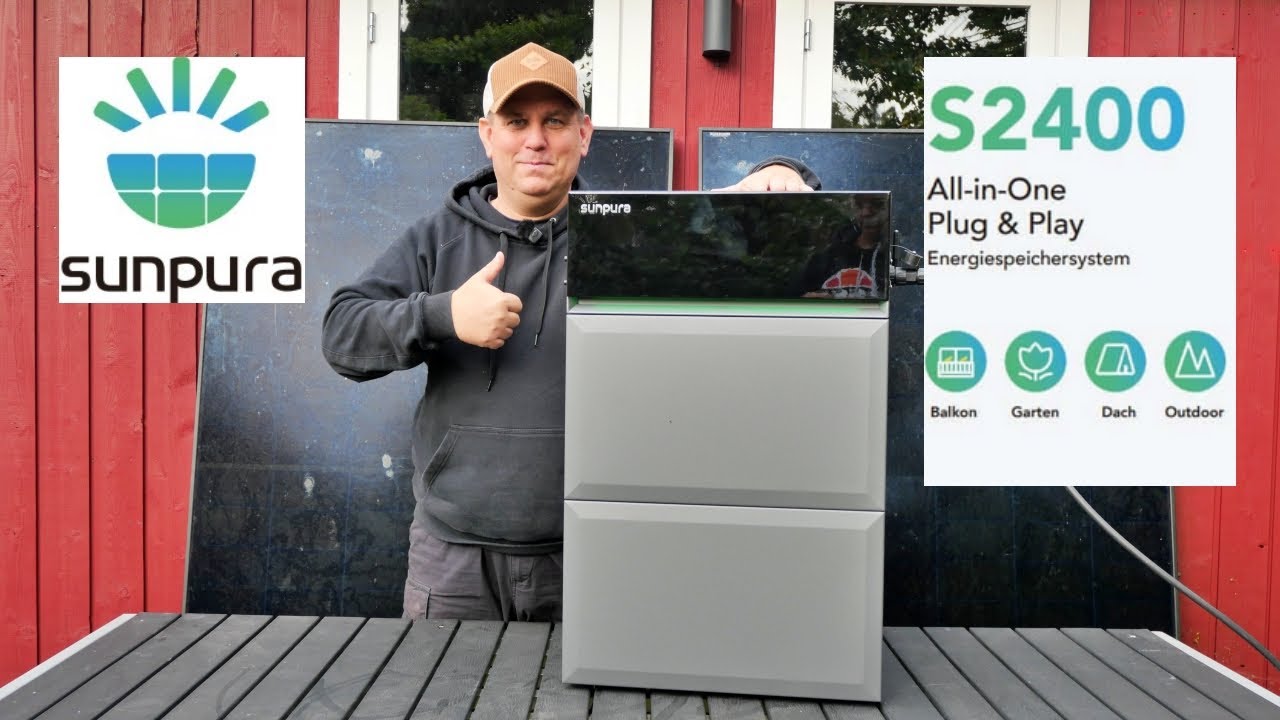
This video explains how to position, connect and configure the Sunpura S2400. The permitted UK connection method, electrical work and commissioning requirements depend on the confirmed UK product configuration and local installation conditions.

Connect the solar panels, battery and loads in accordance with the official product manual and the approved accessories for your system.
Pair the S2400 with the Sunpura app to check energy flow, battery charge and the selected operating mode.
Check all connections, placement, ventilation and system status before putting the system into regular use.
Note: installation varies by solar setup, accessories and local requirements. Always follow the official product documentation, UK-specific connection requirements and safety instructions. Electrical work must be carried out by a suitably qualified electrician.
The key components supplied to get started with your Sunpura system.

A2400*1+B2400*1

5 m AC-Kabel*1

Rear mounting block ×2

M5 × 12 combination Phillips screws ×18

M8 × 80 self-tapping expansion bolts

Rear mounting bracket ×1

Rear mounting block ×2

Documents
Package contents may vary depending on the selected bundle and accessories.
Key power, battery and system specifications for the Sunpura S2400 at a glance.
Alle wichtigand Unterlagand to the Sunpura S2400 on einand Blick – from User manual via Technical specifications Up to Zertifikatand.
Answers about Sunpura S2400 solar battery storage, including connection options, retrofitting, compatible metering, time-of-use tariffs, backup output and warranty.
The S2400 has two MPPT inputs and can connect directly to compatible solar panels. It can also operate in an AC-coupled configuration alongside an existing solar installation.
The S2400 AC has no direct solar input and is designed specifically for adding AC-coupled battery storage to an existing solar system. The key difference is whether the solar panels connect directly to the battery system.
Yes. In an AC-coupled configuration, the existing solar inverter remains in place. A compatible metering system measures household import and export so the S2400 can charge and discharge in response to demand.
Direct communication with the existing inverter is not normally required. Meter compatibility, the connection method and the household electrical installation must be checked before installation.
Placement, battery connection and app setup are designed to be straightforward, but the permitted UK mains connection depends on the confirmed UK product configuration and installation requirements.
Do not connect the system until those requirements have been confirmed. Work on the distribution board, current-transformer metering, fixed wiring, a dedicated circuit or any multi-phase configuration must be checked or completed by a suitably qualified electrician.
The S2400 has two independent MPPT inputs. Each input supports 10–100 V, up to 16 A and up to 1,000 Wp.
When using third-party solar panels, calculate the total open-circuit voltage of the connected string. It must remain below the 100 V maximum input limit, including in cold conditions.
Within the Sunpura product system, up to five compatible 200 W modules may be connected to each MPPT, subject to the official wiring instructions.
Yes. The S2400 can operate on the AC side without solar panels connected directly to its MPPT inputs, for example alongside an existing rooftop solar system or a compatible time-of-use tariff.
Available functions depend on the selected operating mode and compatible metering setup.
The S2400 is specified with an IP65 enclosure and may be used indoors or outdoors when the installation location meets the product requirements.
Use a stable surface, provide adequate ventilation and keep within the specified temperature range. Do not install the system where it may be exposed to standing water, flooding or prolonged extreme weather.
The S2400 is available in 2.4 kWh, 4.8 kWh, 7.2 kWh and 9.6 kWh configurations. The right capacity depends mainly on evening and overnight consumption, daily solar surplus and any larger loads you intend to run.
Compatible B2400 battery modules can expand the system to a maximum of 9.6 kWh. Increasing capacity adds stored energy but does not automatically increase the Power Box output.
The S2400 stores surplus solar power for later use in the home, increasing self-consumption and reducing electricity drawn from the grid.
With a compatible metering system, battery output can respond to current household demand. Depending on the metering solution, operating mode and configuration, the system can also support zero export or minimise export.
With a compatible time-of-use tariff, the S2400 can charge during lower-cost periods and supply stored energy to the home when electricity is more expensive.
Depending on the operating mode, planning may use tariff prices, solar generation, household demand, weather data and battery state of charge. Actual savings depend on the tariff, consumption profile, storage capacity and selected settings.
These figures refer to different operating modes:
They are not interchangeable. The power available in a particular installation depends on the connection method, cabling, circuit protection, approved UK configuration and local requirements.
An energy meter is not required for every basic operating mode. A compatible metering solution is required or recommended for accurate demand matching, self-consumption optimisation, zero export and certain intelligent modes.
UK meter compatibility and the approved installation method must be confirmed before purchase. Do not assume that P1, Linky/TIC or German infrared meter-reader solutions are compatible with a UK electricity meter.
The correct solution depends on the electricity meter, consumer unit and household wiring. A compatible Sunpura energy meter with current transformers may be suitable, subject to confirmation for the UK installation.
Current transformers connect to the Sunpura meter and cannot be connected directly to the S2400. Compatibility must be checked before purchase, and distribution-board work must be completed by a suitably qualified electrician.
The Sunpura app is used for device setup, operating modes, schedules, power limits and energy-flow monitoring.
A stable Wi-Fi connection is important for data synchronisation, remote monitoring and intelligent controls. The S2400 also uses Bluetooth for local device setup.
During a power cut, the S2400 stops supplying power through its normal grid-connected output. Suitable devices can instead be powered from the dedicated off-grid output.
The off-grid output provides up to 2,400 W and up to 3,600 W for five seconds. Runtime and suitable loads depend on battery capacity, state of charge and the power required by connected devices.
This does not provide automatic whole-home backup.
Eligible S2400 products are covered by a 10-year limited warranty under the current warranty terms.
A support or warranty request will normally require the model, serial number, valid proof of purchase, a description of the fault and, where relevant, photos, videos or app screenshots.
Technical support first assesses the issue remotely and then agrees the appropriate remedy, which may include a software solution, repair, replacement part or product exchange.